See Your AI-Voice Employee in Action.
Here are six examples of everyday customer calls handled by AI, from answering questions to completing tasks in Acumatica, with your team stepping in when needed.
Here are six examples of everyday customer calls handled by AI, from answering questions to completing tasks in Acumatica, with your team stepping in when needed.
These are just examples. There are many more, and your AI Voice Employee is trained around your requirements.
Live now: the AI-Voice Employee is handling thousands of calls per day, updating Acumatica as it goes: creating quotes, orders and RMAs and emailing them to customers.
The scenarios below are illustrative examples, not specific customer stories. What the AI can do in your business depends on how it's configured and which actions you authorize.
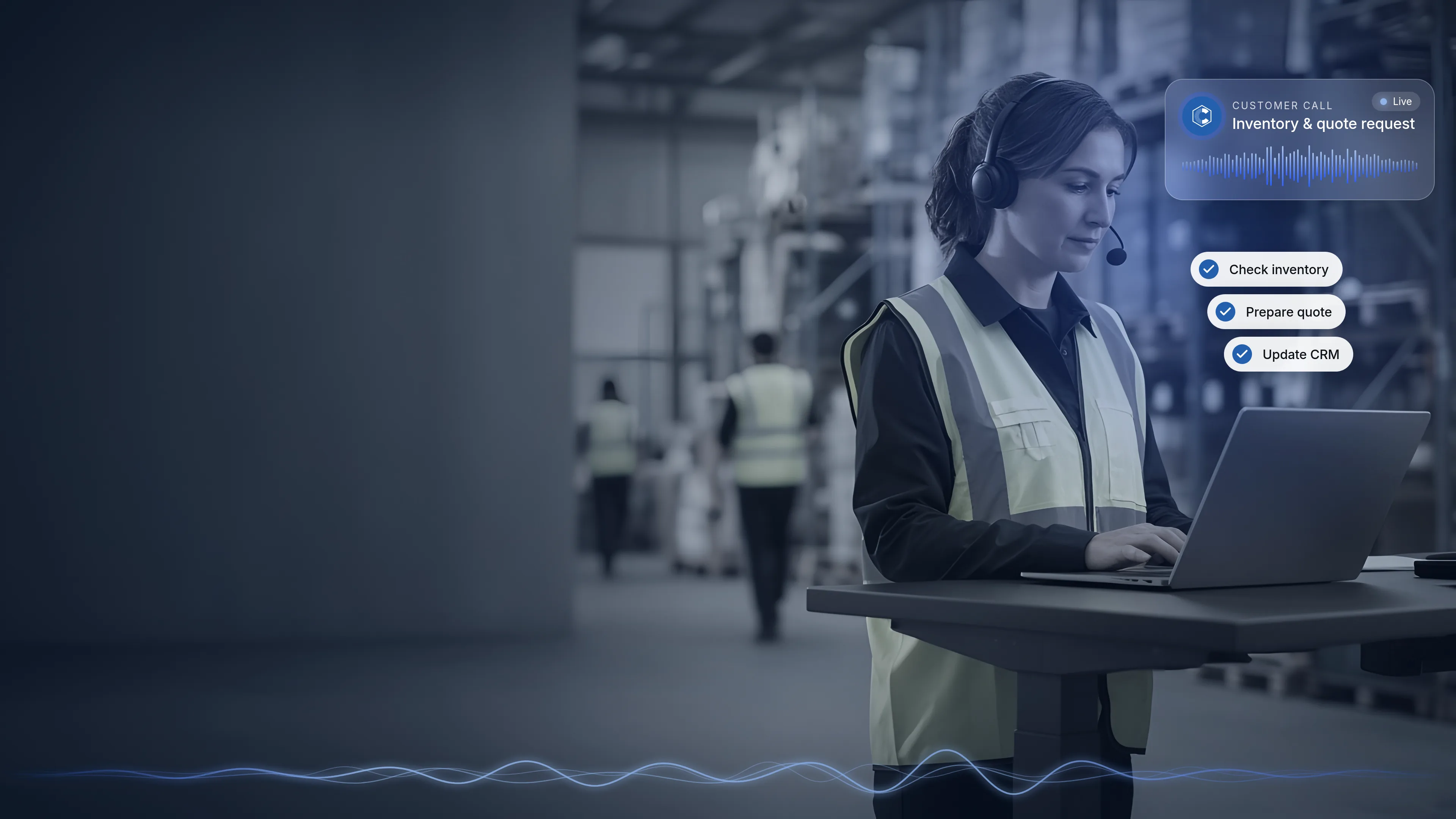

A quote built and emailed while the customer is still on the phone
The quote call
Imagine a distributor receives a call from a contractor who needs pricing on a list of items for an upcoming project. They also want to know whether one replacement part is compatible with equipment they already own. The AI-Voice Employee identifies the customer, confirms compatibility, checks current availability in Acumatica and walks through the items. The customer asks for a written quote.
What gets done for you
- The quote is prepared from the customer's requirements, products, pricing and your approved business rules.
- The quote is emailed to the customer before the call ends.
- The conversation and outcome are recorded as CRM activity, so your sales team knows a quote is out.
- If the customer is ready to buy, the process can continue straight into a sales order.
When your team takes over
Special pricing requests, unusual product requirements or anything outside your quoting rules go to the right salesperson, who has the full conversation history in hand.

Appointments and demos booked with the right person
The booking call
Imagine a prospect calls a manufacturer asking to see a product line before committing to an order. Instead of taking a message and starting a round of phone tag, the AI-Voice Employee answers their initial questions and offers to set up a demo with the appropriate team member.
What gets done for you
- The appointment or demo is scheduled with the right team member.
- The activity is recorded against the customer or prospect, so your team sees why the meeting was booked and what was discussed.
- The same flow can schedule a follow-up call when a customer asks to be contacted later.
When your team takes over
Your team runs the meeting itself. The AI handles the scheduling so the conversation that needs expertise and relationship-building starts on time and fully informed.
Returns started on the first call
The return call
Imagine an ecommerce company receives a call from a customer who wants to return an item from a recent order. The AI-Voice Employee identifies the customer, finds the order and asks which item is being returned and why.
What gets done for you
- The RMA (return) is created in Acumatica, following the return rules you've defined.
- The return is tied to the customer and the original order, so your warehouse and service teams have what they need when the item comes back.
- The call and its outcome are recorded in the customer's history.
When your team takes over
Returns outside your policy, damage claims that need judgment, and upset customers who need a personal touch are handed to a service team member instead of being forced through an automated path.
"Where's my order?" answered without a manual lookup
The order-status call
Imagine a lighting distributor gets a call from a customer checking on an order for a job site, after the office has closed for the day. Normally the customer would leave a message, and someone would look up the order and call back the next morning. Instead, the AI-Voice Employee identifies the customer and gives the current order and shipment status from Acumatica on the call.
What gets done for you
- Order and shipment information is read from Acumatica, limited to what the AI is authorized to see.
- If the customer has a related question, such as availability on an add-on item, the AI can check that too.
- The inquiry is recorded, so your team can see the customer called and what they were told.
When your team takes over
If an order is delayed, has an exception or needs a decision, such as a substitution or a change to the delivery, the call is routed to the appropriate rep in Acumatica.
Checking in with customers who haven't ordered lately
The win-back call
Imagine a furniture and home goods distributor has customers who used to order regularly but haven't placed an order in some time. Nobody has had the bandwidth to call them. The AI-Voice Employee places an outbound call, checks in, asks whether they have upcoming needs and answers product and availability questions on the spot.
What gets done for you
- The call is made to customers you choose to include.
- The customer's response is captured as CRM activity, whether that's interested, not now or call back later.
- If the customer wants pricing, a quote can be prepared and emailed. If they're ready to order, a sales order can be created.
- A follow-up call or meeting can be scheduled with your sales team.
When your team takes over
Warm conversations, larger opportunities and accounts that need a relationship go to your salespeople, with a record of what the customer said.
This is often work the business knows it should be doing but doesn't have time to do consistently.
Following up on the quotes you've sent
The follow-up call
Imagine an electronics distributor sent a quote two weeks ago and hasn't heard back. The sales team is busy with new requests, so the quote sits. The AI-Voice Employee calls the customer, references the open quote and asks whether they have questions or are ready to move forward.
What gets done for you
- Open quotes and opportunities are followed up, and the customer's response is captured.
- Questions about availability or compatibility can be answered on the call.
- If the customer is ready, the process can continue into a sales order. If not, a follow-up can be scheduled.
- Everything is recorded, so your team knows exactly where each opportunity stands.
When your team takes over
Negotiation, revised pricing outside your rules and complex project questions go to the salesperson who owns the opportunity.
It follows your rules on every call
In every scenario above, the AI works only with the information and actions you've authorized, follows your workflows and business rules, and routes the call to the appropriate rep in Acumatica when a conversation needs a person. Calls can be recorded for training and fine-tuning, so you can review how conversations are going. We check the recording rules for the state you do business in and set things up to comply.
See how the integration, permissions and handoff work →Back to the AI-Voice Employee overview →Which calls eat up your team's day? Let's start there.
Bring us the calls that eat up your team's day, and we'll map out where the AI-Voice Employee fits your Acumatica workflows. Or hear it for yourself first: the AI demo is modeled on our longtime client Deco Lighting.
Explore more CyberCore products


.webp)