How the AI-Voice Employee works with Acumatica
Sounding natural is the easy part. What matters is that it pulls up the right customer, follows your rules and enters the right order in Acumatica.
It follows your rules and enters the right order in Acumatica.

It works right inside Acumatica
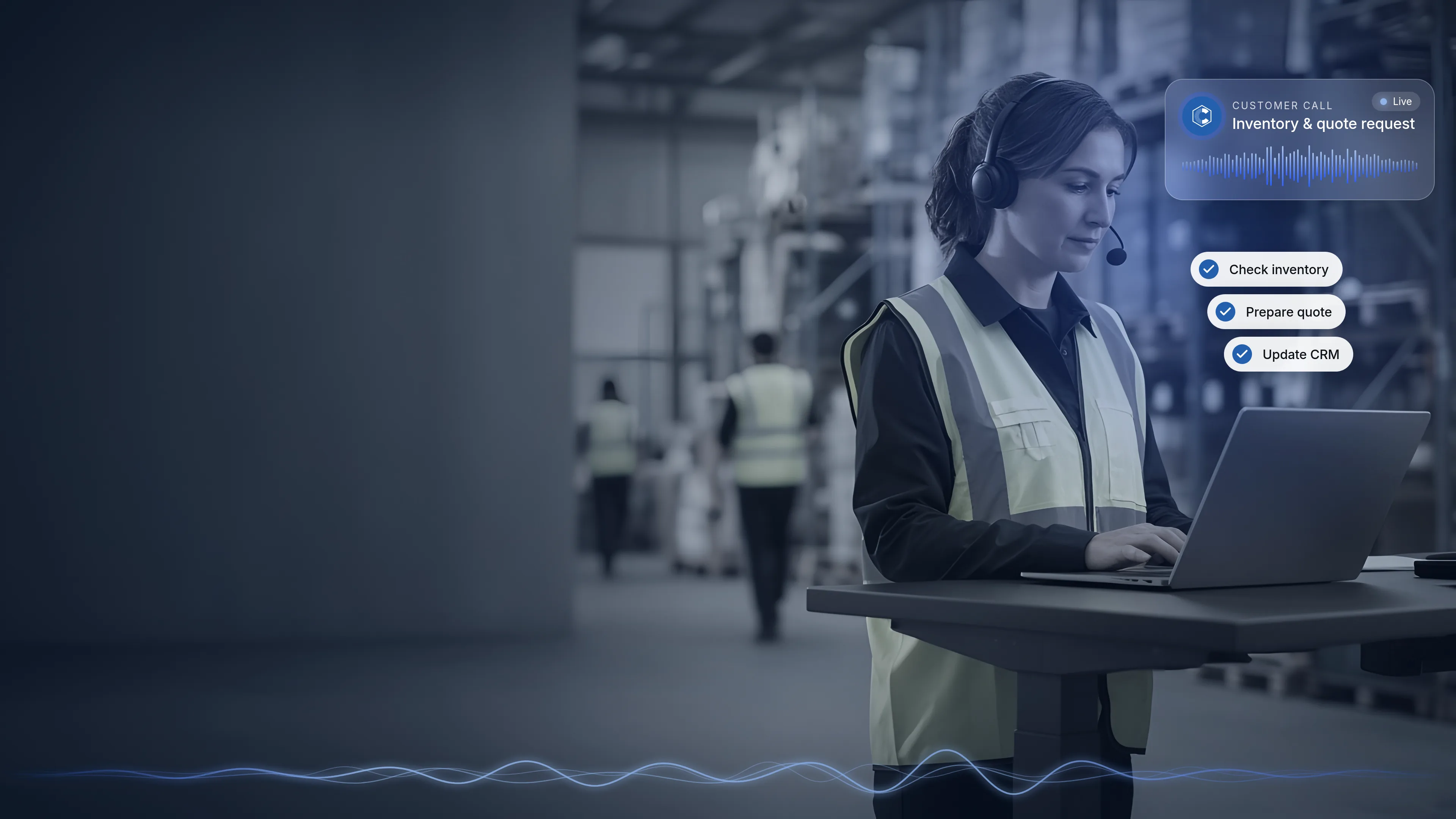
The AI-Voice Employee is a voice AI layer that sits directly on top of the Acumatica stack. Customers have a natural phone conversation while the AI works with information and processes inside Acumatica and other approved systems.
The key difference is integration. The value isn't simply that AI can talk. It's that the AI can understand the purpose of the conversation and interact with your ERP to help complete the work.

What the AI can read

Customers
Identifies who is calling and uses their account information.

Products and inventory
Checks availability and product compatibility in real time.

Orders and shipments
Gives current order and shipment status.

Quotes and opportunities
Knows what's open, so follow-up calls have context.
What the AI can create or update

Quotes
Prepared from approved pricing and business rules, then emailed.

Sales orders
Created when a customer is ready to buy.

RMAs
Returns created when a customer calls about a return.

Appointments
Appointments, demos and follow-up calls scheduled with the right team member.

CRM activities
Conversation results recorded in the customer's history.
This is live today: the AI-Voice Employee is handling thousands of calls per day, updating Acumatica as it goes: creating quotes, orders and RMAs and emailing them to customers.
Each item is a capability you choose to switch on for a given role, not a default. For real-world examples, see the use cases.
Explore use cases →You decide what it can see and do
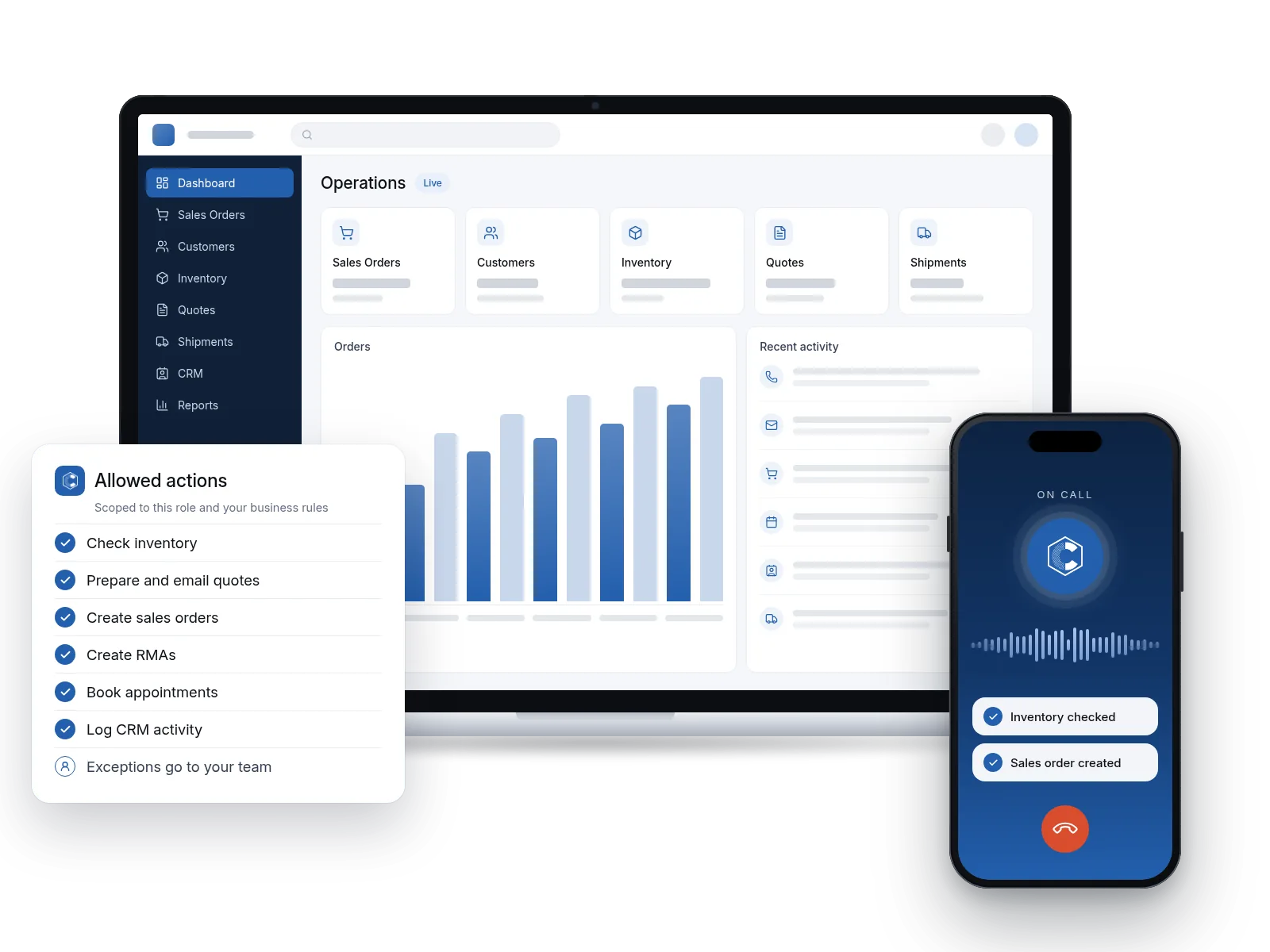
Rather than giving AI unrestricted access, we design specific capabilities around your workflows, security requirements and business rules.
AI should operate within defined permissions, workflows, and business rules. Just as employees have different security roles inside Acumatica, the AI-Voice Employee should only have access to the information and actions required for its job.
Define the role
Decide which job the AI is doing: inbound customer service, outbound sales follow-up or another role.
Scope the access
Grant only the information and actions that role requires.
Set the business rules
Pricing, quoting, ordering and returns follow the rules you've approved.
Draw the boundaries
Decide what the AI handles end to end and what always goes to a person.
Because the AI is set up role by role, you can add new roles as your business grows without opening up access everywhere.
People stay in the loop
The goal of the AI-Voice Employee isn't to eliminate human involvement. It's to automate repetitive, predictable work so your employees can spend more time on situations that require judgment, expertise, relationships or creative problem-solving.

Often handled by the AI
Routine inventory and availability questions, order and shipment status, standard quotes within your rules, appointment scheduling, follow-up calls, and after-hours calls.

Routed to the appropriate rep
Special pricing requests, unusual product requirements, complex customer issues, and any transaction outside your established rules.
You decide where those boundaries belong. When a call needs a person, the AI routes it to the appropriate rep in Acumatica. The relevant activity and outcome are recorded, so the rep picking it up can see what already happened.
Conversations in dozens of languages
The AI-Voice Employee can communicate in dozens of languages, helping you serve a broader customer base without needing a separate employee for every language.
We configure it for the languages your customers use, or all of them.
Fits your phones, your hours and your quality checks

Custom fit to your setup

After-hours calls
Customers can still check inventory, get order status or request a quote when your office is closed.

Call recording
Calls can be recorded for training and fine-tuning, so you can review conversations and keep improving how the AI handles them. Some states, such as California, require telling callers they’re being recorded, while others only need one party to know. We check the rules for the state you do business in and set things up to comply.
Built by an Acumatica Gold Partner, not just an AI vendor
A customer may ask a simple question, but answering it correctly can require information from several areas of the system and an understanding of your specific business rules. That covers how customers, inventory, pricing, quotes, sales orders, shipments, CRM activities, security permissions and workflows actually work together.
CyberCore has worked with Acumatica for more than a decade as an Acumatica Gold Partner, backed by decades of ERP implementation, development, integration and business-process experience. The AI-Voice Employee is proprietary technology, developed by our team over nearly two years.
How we get you started
We follow the same ERP + AI Automation Process we use across our work, starting with a conversation about your calls and workflows.
Free Initial Strategy Call
A 30-minute call to understand your needs and the calls your team handles today.
Workflow Discovery
We go deeper into your requirements and identify where the AI-Voice Employee can have the most impact.
Business Blueprint & Sandbox Launch
We design the blueprint and test it in a controlled sandbox environment.
Customized Demo & Conference Room Pilot
You see a realistic preview built around your business.
Proposal Discussion
We review a detailed proposal aligned with your goals.
Technical questions
Is this the same as Acumatica's AI Assistant?
No. Acumatica's AI Assistant brings conversational AI into Acumatica for your users, so they can ask questions about the business in plain language. The AI-Voice Employee is CyberCore's proprietary voice AI layer for phone conversations with your customers and prospects, working on top of Acumatica.
Does the AI get full access to my ERP?
No. Access is limited to the information and actions required for each role, following your workflows, security requirements and business rules, much like an employee's security role in Acumatica.
Does it create real records in Acumatica?
Yes. Depending on the role you configure, the AI can create records such as quotes, sales orders and RMAs, schedule appointments and record CRM activity, so each call becomes part of the customer's history.
Can it work with systems besides Acumatica?
The AI can work with Acumatica and other approved systems. Which systems fit your setup is something we'll review on your strategy call.
Related: how Acumatica 2026 R2 MCP connects ERP data to AI tools
Can it handle calls outside business hours?
Yes. The AI-Voice Employee handles after-hours calls, and anything that needs a person is routed to the appropriate rep in Acumatica.
Which languages are supported?
The AI can communicate in dozens of languages. We configure it for the languages your customers use, or all of them.
Are calls recorded?
Yes. Calls can be recorded for training and fine-tuning, alongside the call outcome recorded in Acumatica. Some states, such as California, require telling callers they’re being recorded (for example, “All calls are recorded for training and review purposes”), while others only need one party to know, so we check the rules for the state you do business in and set things up to comply.
How long does setup take?
That depends on your current setup and the roles you want the AI to take on, so we cover it during the strategy call and workflow discovery rather than giving a one-size-fits-all answer.
Which Acumatica editions and versions are supported?
We'll review your Acumatica environment on the strategy call and confirm fit for your edition and version.
Can I hear it before we talk?
Yes. Call (213) 521-8801. The AI demo is modeled on our longtime client Deco Lighting, and you can interact with it just as a customer would.

Use cases
6 examples of calls it can take off your plate, from quotes to checking in with past customers.
Learn more →

Let's map the AI-Voice Employee to your workflows
Book a free initial strategy call and we'll walk through the roles, permissions and handoffs that make sense for your business, all without any commitments.
Explore more CyberCore products


.webp)