Acumatica 2026 R1: Key Features, AI Improvements, and ERP Updates
Explore the key Acumatica 2026 R1 features, including AI improvements, modern UI updates, reporting enhancements, and new capabilities for growing businesses.
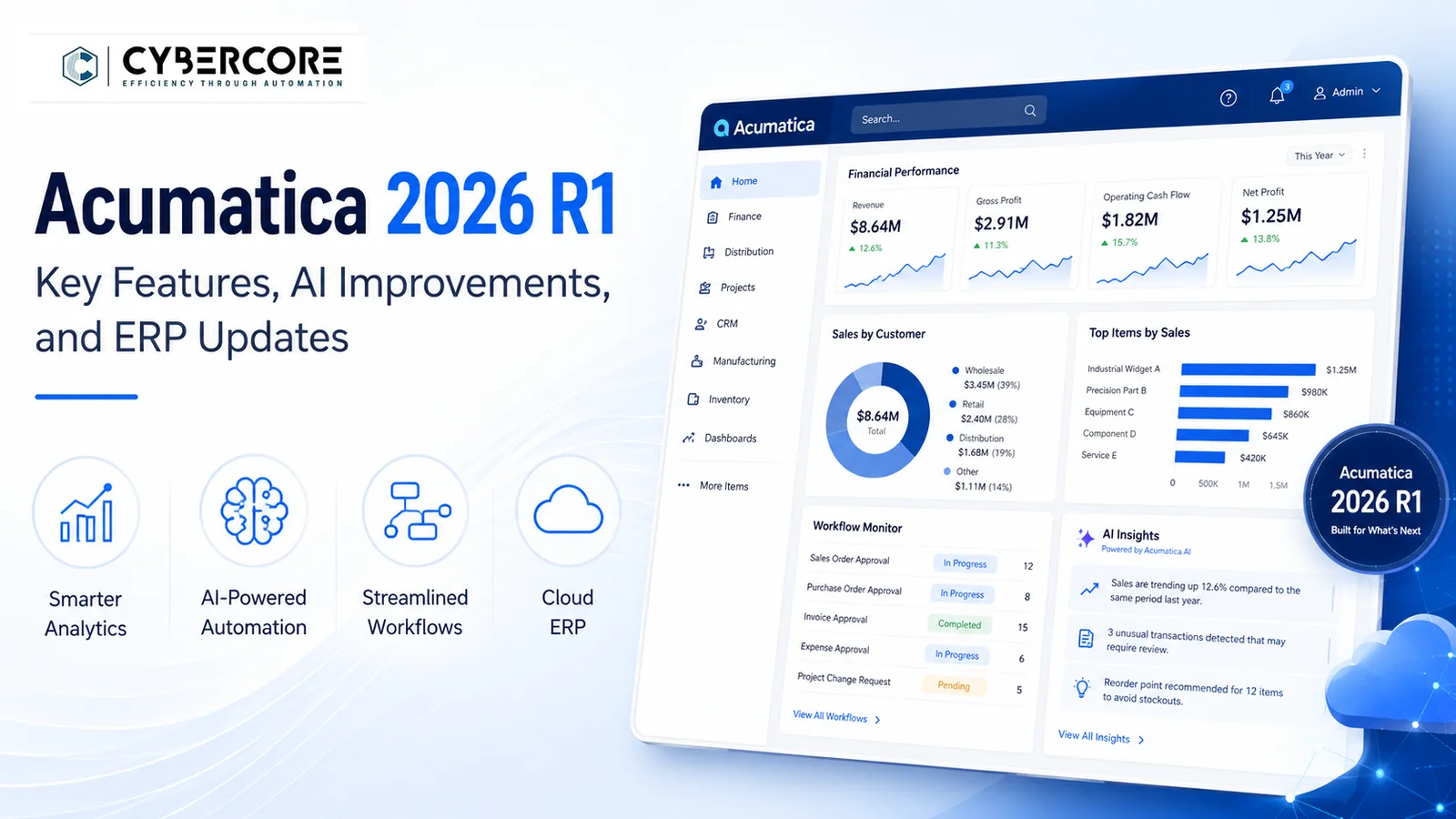
Acumatica 2026 R1 builds on the platform’s move toward AI-assisted ERP, a modern user experience, and better real-time visibility across the business. The release introduces AI Studio, early access to Acumatica AI Assistant, expanded reporting and workflow capabilities, and targeted improvements across manufacturing, distribution, retail, construction, and professional services.
For businesses already using Acumatica, 2026 R1 is a meaningful release because many of the improvements focus on everyday usability, automation, decision-making, and industry-specific processes rather than simply adding more features.
As an Acumatica Gold Partner with more than a decade on the platform, CyberCore works directly with Acumatica upgrades, customizations, integrations, and business process automation. In this article, we’ll highlight the 2026 R1 improvements we think businesses should pay the most attention to.
AI Studio and AI Assistant in Acumatica 2026 R1
Acumatica 2026 R1 makes AI a much more practical part of the ERP platform. AI Studio gives customers and partners tools to build and manage AI-powered workflows, while Acumatica AI Assistant provides a conversational way to ask questions and surface information from business data.
AI Studio can support tasks such as AI automation, anomaly detection, prompt-driven workflows, and sensitive-data controls. This gives businesses more ways to automate repetitive work and identify issues that may otherwise require manual review.
Acumatica AI Assistant is available through managed access in 2026 R1 and can work with approved Generic Inquiry data to return answers, tables, charts, and other useful business insights. Broader availability is planned as Acumatica continues developing the feature.
Modern User Experience Improvements in Acumatica 2026 R1
Acumatica 2026 R1 continues the move to the Modern UI across the platform. The updated interface provides cleaner screen layouts, faster navigation, more consistent workflows, and additional no-code personalization options that can make everyday tasks easier for users.
For companies upgrading from older Acumatica versions, the Modern UI is one of the most visible changes. It is worth testing key screens, customizations, dashboards, Generic Inquiries, and user workflows before moving production users over.
Acumatica has also made the Modern Customer Portal generally available in 2026 R1, giving businesses a newer portal experience for customers who need access to information and self-service functions.
Real-Time Visibility and Reporting Improvements
Acumatica 2026 R1 expands real-time visibility across financial and operational processes. New and improved reporting tools help businesses see what is happening sooner and make decisions using current ERP data instead of relying on separate spreadsheets or delayed reports.
The release also improves system-level monitoring, mobile data capture, file management, and other tools that help users keep information organized and accessible across departments.
For service-driven organizations, Acumatica added deeper project and financial reporting, including improvements to employee utilization, project revenue analysis, and unbilled project revenue visibility. These changes can help businesses track performance and profitability more closely as projects evolve.
Manufacturing, Distribution, and Retail Improvements
Acumatica 2026 R1 includes several practical improvements for product-based businesses that need better control over production, inventory, fulfillment, and profitability.
For manufacturers, the new Shop Floor Kiosk provides a simpler way for production employees to record activity directly from the shop floor. This helps reduce manual entry and gives managers better real-time visibility into production progress.
Distribution businesses gain more flexibility around inventory and fulfillment, including improvements to picking workflows, inventory planning, and in-transit inventory visibility. These changes can help teams respond faster when inventory locations, demand, or fulfillment priorities change.
Retail and commerce businesses also benefit from stronger integrations, improved real-time information, and expanded B2B commerce capabilities designed to connect online sales more closely with inventory and ERP operations.
Construction and Professional Services Improvements
Acumatica 2026 R1 adds several improvements for construction and service-driven businesses that need tighter control over projects, costs, labor, and profitability.
Construction companies gain better project cost forecasting, improved change order workflows, stronger project and branch alignment, and more direct ways to plan, purchase, and issue materials to projects. Mobile time capture also helps field employees record labor more accurately while keeping project information current.
For professional services organizations, 2026 R1 improves mobile time tracking, project financial visibility, and resource reporting. New and enhanced reports for employee utilization, project revenue analysis, and unbilled project revenue help businesses understand project performance and margins without relying as heavily on separate spreadsheets.
These updates give project-based organizations better visibility into work in progress, labor, costs, billing, and revenue as projects move forward.
What Acumatica 2026 R1 Means for Existing Customers
Acumatica 2026 R1 is more than a routine version update. The continued move toward the Modern UI, expanded AI capabilities, and changes across core and industry-specific workflows make upgrade planning especially important for businesses with customizations, integrations, reports, Generic Inquiries, and established user processes.
Before upgrading, companies should test their critical business workflows in a separate environment, validate customizations and integrations, review security and user access, and confirm that important reports and automation continue to work as expected.
The Modern UI deserves particular attention. Acumatica has announced that the Classic UI will be deprecated with 2026 R2, making 2026 R1 a good time for businesses to begin testing and preparing users for the newer interface.
Planning Your Acumatica 2026 R1 Upgrade
Upgrading to Acumatica 2026 R1 should start with a review of your current environment, including customizations, integrations, reports, Generic Inquiries, automation, security roles, and critical business workflows.
This is especially important with the transition to the Modern UI. Acumatica has confirmed that 2026 R1 is the last release that supports the Classic UI. Beginning with 2026 R2, customers will no longer be able to switch back to the Classic interface.
CyberCore can help businesses evaluate their current Acumatica environment, prepare and test upgrades, update customizations, validate integrations, and identify opportunities to improve processes through automation and AI.
If you are considering an upgrade to Acumatica 2026 R1 or want to prepare for the move to the Modern UI, contact CyberCore to discuss your environment and upgrade plan.
.webp)