Acumatica 2025 R2: Key Features, AI Studio, and Modern UI Updates
Explore the key Acumatica 2025 R2 features, including AI Studio, Modern UI updates, workflow improvements, and new capabilities across core ERP and industry editions.
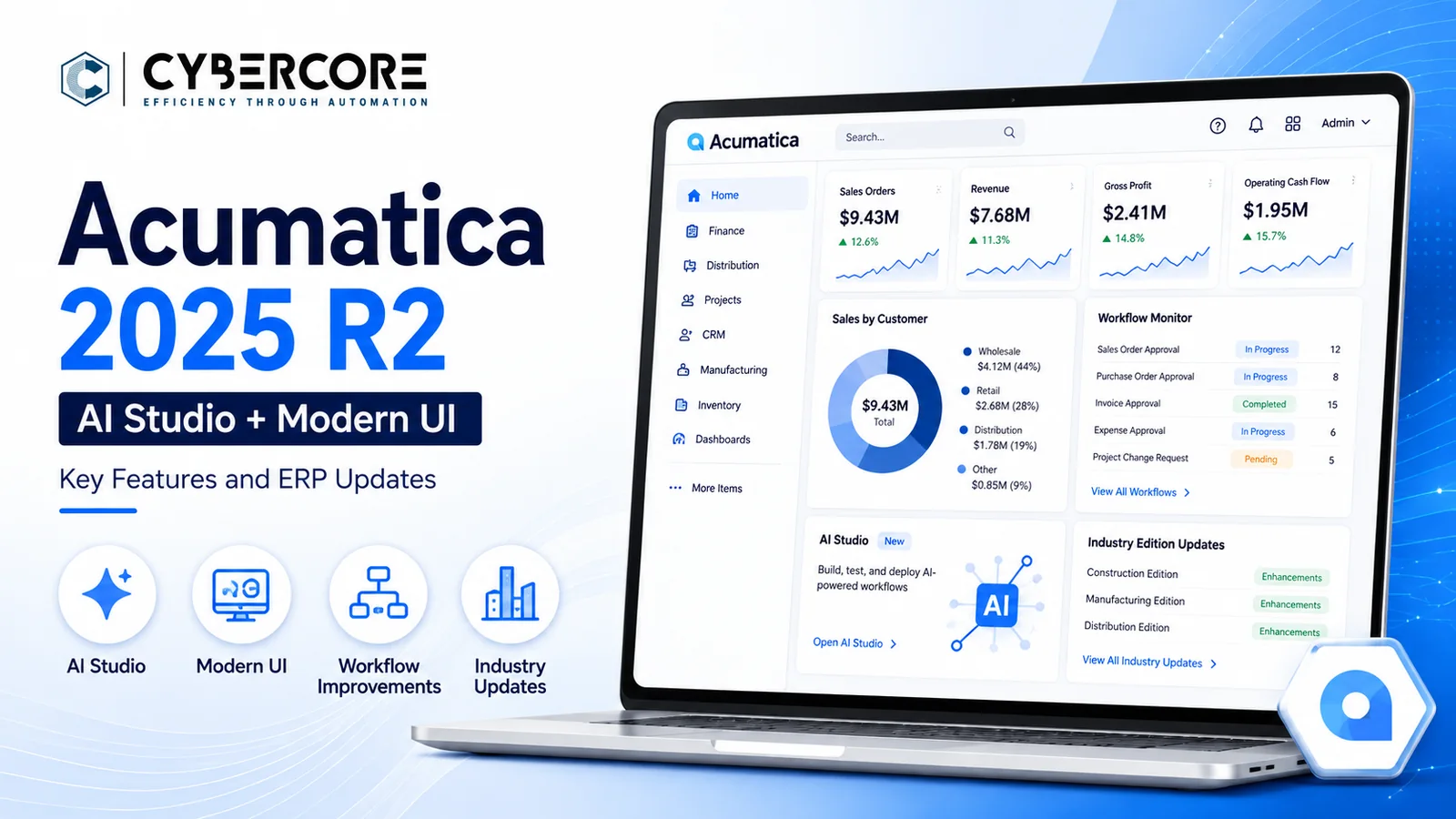
Acumatica 2025 R2 marked an important step in the platform’s shift toward AI-assisted ERP and a more modern user experience. The release made the Modern UI generally available and expanded AI Studio with configurable, no-code AI automations designed to reduce manual work and support everyday business processes.
The release also included improvements to dashboards, reporting, personalization, workflows, and industry-specific functionality across distribution, manufacturing, construction, retail, and professional services.
For businesses already using Acumatica, 2025 R2 is an important release to understand because many of its changes laid the groundwork for the AI and Modern UI direction that continued into 2026 R1 and beyond.
AI Studio in Acumatica 2025 R2
Acumatica 2025 R2 expanded AI Studio from an emerging capability into a more practical tool for business automation. Customers and partners gained more control over configurable AI-powered workflows that can help reduce repetitive work and support common ERP processes.
AI Studio can be used to build prompt-based automations, review business data, identify exceptions, and support tasks that would otherwise require manual analysis. The goal is to bring AI closer to the actual transactions, approvals, documents, and workflows users already manage inside Acumatica.
For companies evaluating AI inside ERP, 2025 R2 is important because it introduced more direct ways to configure AI around business processes without building a separate external application.
Modern UI Becomes Generally Available in Acumatica 2025 R2
Acumatica 2025 R2 made the Modern UI generally available to customers, marking a major step in the platform’s user experience redesign. The newer interface provides a cleaner layout, more responsive screens, and greater flexibility for personalizing fields, tabs, and page layouts around how each team works.
For existing Acumatica customers, the Modern UI also means that upgrades should include testing of custom screens, dashboards, reports, Generic Inquiries, and user workflows. Some older customizations built for the Classic UI may require additional work to function correctly in the newer interface.
The move to Modern UI in 2025 R2 also laid the foundation for the broader UI transition that continued into 2026 R1 and the planned retirement of the Classic UI in 2026 R2.
Reporting, Dashboards, and Personalization Improvements
Acumatica 2025 R2 introduced several improvements that make it easier for users to find, analyze, and present ERP data. The redesigned dashboard engine provides faster, more responsive dashboards with greater control over how information is displayed for different roles and users.
Generic Inquiries also gained stronger analysis tools, including built-in pivot table views, improved quick filters, and more flexible advanced filtering. These updates reduce the need to export data to spreadsheets just to analyze or organize information.
The release also expanded user-defined fields and screen personalization, giving businesses more ways to adapt Acumatica to their processes without requiring custom development for every change.
Acumatica also improved the Report Designer experience, making common reporting actions and template management easier to work with.
Manufacturing, Distribution, and Retail Improvements
Acumatica 2025 R2 added several practical improvements for product-based businesses that manage inventory, production, purchasing, fulfillment, and online sales.
For manufacturers, the release improved production planning, scheduling, material visibility, and shop-floor processes. These changes help teams track work more closely and reduce delays caused by missing information or disconnected processes.
Distribution businesses gained better tools for inventory management, order fulfillment, warehouse operations, and purchasing. The updates also improved visibility into stock movement and helped users respond faster to changes in demand and availability.
Retail and commerce businesses benefited from tighter connections between ecommerce, inventory, pricing, and order processing, giving teams a more consistent view of sales activity across channels.
Construction and Professional Services Improvements
Acumatica 2025 R2 added stronger project visibility and document management for construction and professional services organizations. The new Project 360 Dashboard gives teams a centralized view of project performance, while improved document management helps keep project files organized and easier to access.
Construction businesses also gained improvements for project setup, field operations, financial tracking, and collaboration across office and field teams.
For professional services firms, 2025 R2 expanded project labor tracking, mobile project management, work-in-progress reporting, cash flow reporting, and project variance analysis. These tools help firms monitor utilization, profitability, billing, and project performance more closely.
Overall, the release gives project-driven businesses better visibility into labor, costs, documents, billing, and financial performance throughout the life of a project.
What Acumatica 2025 R2 Means for Existing Customers
Acumatica 2025 R2 is an important release for existing customers because it represents a clear shift toward the Modern UI and more embedded AI capabilities across the platform.
Companies with customizations, integrations, dashboards, reports, Generic Inquiries, and established user workflows should test those areas carefully before upgrading. The Modern UI can change how screens and customizations behave, so upgrade planning should include both technical testing and user acceptance testing.
The release also gives businesses a good opportunity to review older processes and identify where AI Studio, improved dashboards, better reporting, and newer workflow options can reduce manual work.
Planning Your Acumatica 2025 R2 Upgrade
Upgrading to Acumatica 2025 R2 should include a review of your customizations, integrations, reports, Generic Inquiries, dashboards, security roles, and critical business workflows.
The Modern UI deserves particular attention. Businesses should test commonly used screens and custom processes in a separate environment before moving users to the new interface.
CyberCore can help evaluate your current Acumatica environment, prepare and test upgrades, update customizations, validate integrations, and identify opportunities to improve business processes with automation and AI.
If you are currently running an older Acumatica version, it may also make sense to evaluate a newer release such as Acumatica 2026 R1 rather than upgrading only to 2025 R2.
.webp)