2027 ERP Budget Planning: 9 Costs Companies Often Overlook
What growing businesses (manufacturers, distributors, retailers and POS-driven companies) should budget for before replacing their ERP.
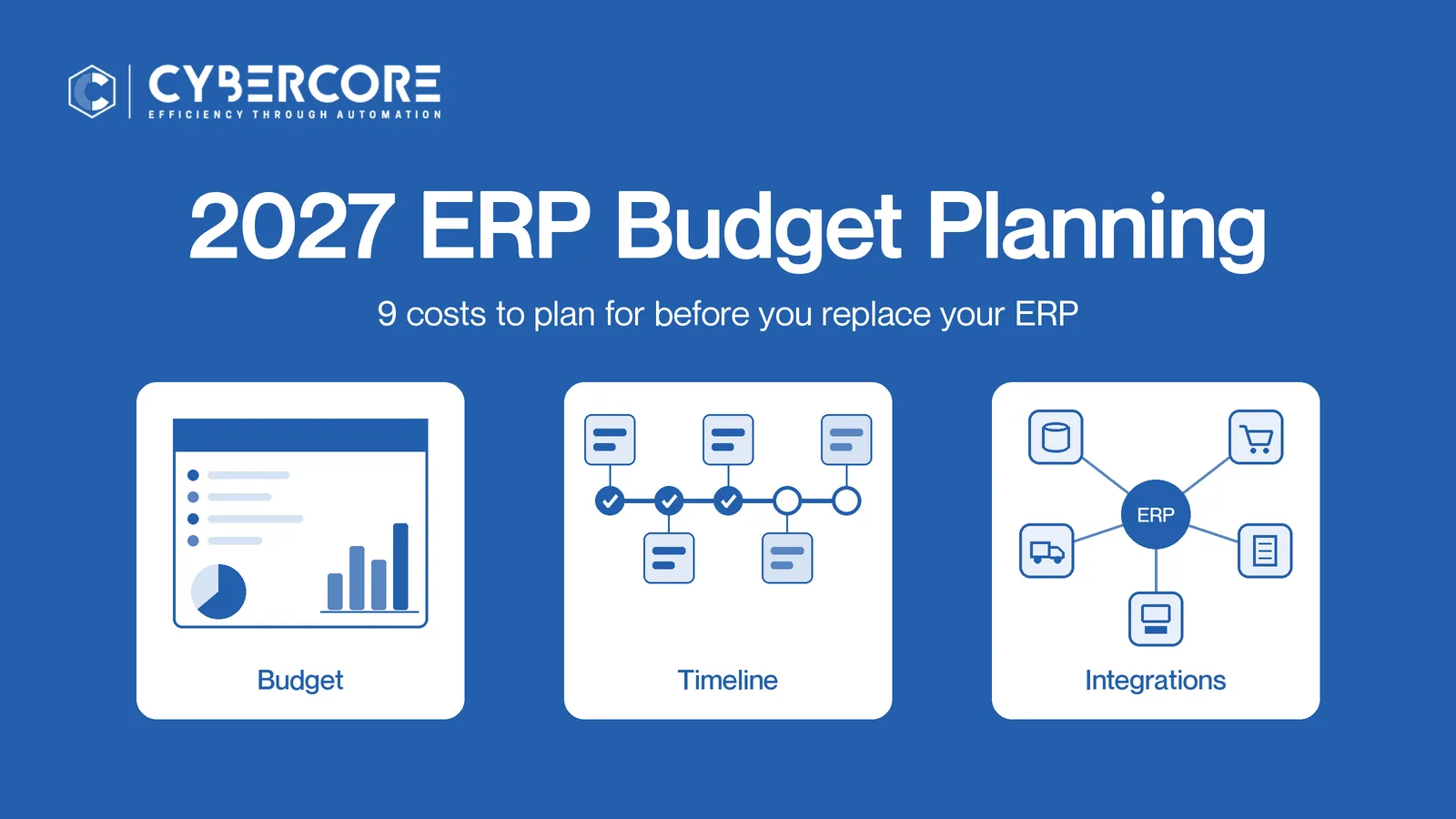
Budget season is here, and many companies are putting a new ERP on the 2027 plan. The most common mistake we see in ERP budget planning is simple: the team takes the software subscription price, adds a line for "setup," and calls it a budget. That number is almost never realistic.
An ERP project is a business change, not a software purchase. The subscription is one cost among several, and the others decide whether your go-live goes well. Below are the nine costs to plan for, how to think about total cost of ownership, and how to frame ERP ROI for your leadership team.
The 9 Costs to Include in Your ERP Project Budget
1. Software subscriptions
This is the line everyone remembers. It covers the ERP license and any related applications you need, such as financials, distribution, manufacturing, field service or retail. Pricing models vary a lot between vendors, so compare how each one charges, not just the headline number. For how Acumatica is priced, see how Acumatica's resource-based pricing works on our Switch to Acumatica page.
2. Implementation
Implementation is the work of configuring the system around how your business actually runs: chart of accounts, workflows, approvals, warehouses, pricing rules and reports. ERP implementation cost depends on the scope and complexity of your processes. Company size doesn't predict cost. A smaller company with complex manufacturing or many sales channels can need more work than a larger one with simple processes.
3. Data migration
Your customers, vendors, items, open orders, balances and history have to move from the old system to the new one. Older data is often messy: duplicate customers, outdated items, inconsistent units of measure. Cleaning and mapping that data takes time from both your team and your partner, so budget for it on its own line.
4. Integrations
Very few companies run on ERP alone. Plan for every system that has to talk to it, such as:
- EDI with retail and trading partners (see our EDI integration options)
- Ecommerce storefronts
- POS systems in stores
- Warehouse management (WMS)
- Payroll
- CRM
- Shipping and carrier software
Each connection needs to be designed, built and kept running. Missing one here is one of the most common reasons an ERP project budget runs over.
5. Customizations
Modern cloud ERP covers most needs through configuration. Some businesses still need custom screens, fields, reports or logic for processes that set them apart. Budget for the changes that matter, and be strict about the ones that are just "how we've always done it."
6. Testing and user acceptance
Before go-live, the system needs to be tested in a separate environment with real scenarios: a full order-to-cash cycle, a purchase-to-pay cycle, a month-end close, a production run or a busy day at the register. User acceptance testing (UAT) means your own people confirm it works for their jobs. This takes staff time, so plan for it in the budget and the calendar.
7. Training
A new ERP pays off when people use it well. Budget for role-based training for finance, sales, purchasing, warehouse, store and production staff, plus time for managers to learn the new reporting. Don't forget training for new hires after go-live.
8. Post-launch support
The weeks after go-live are when questions pile up. Plan for stabilization support right after launch, then ongoing support for updates, new users, new reports and process changes as the business grows.
9. Contingency
Every ERP project uncovers something: a forgotten integration, a data issue, a process nobody wrote down. A contingency line keeps those surprises from stalling the project or forcing cuts to training and testing, which are often where teams try to save.
Subscription Pricing vs. 3-Year Total Cost of Ownership
Comparing ERP software cost on subscription price alone is misleading. A better approach is to look at ERP total cost of ownership over at least three years: subscriptions, implementation, integrations, customizations, training, support and internal staff time, all together.
How the vendor charges matters here. Many ERP systems charge per user, so the cost grows every time you add a salesperson, warehouse worker or store manager. Acumatica takes a different approach. According to Acumatica's pricing information, it licenses with unlimited users and prices based on the applications you choose and the resources your business uses, rather than on how many people log in. For growing companies, that can change the three-year picture, because giving more people access doesn't automatically raise the bill.
Our Switch to Acumatica page explains resource-based vs. per-user pricing and what to ask about in a quote.
How to Think About ERP ROI
ERP ROI is real, but it is specific to your business. Instead of chasing a generic percentage, list where your team loses time and money today, and estimate how a better system changes each one. Common areas include:
- Less manual data entry. Orders, invoices and receipts that flow automatically instead of being retyped.
- Fewer inventory errors. More accurate stock levels across warehouses, stores and ecommerce channels.
- Faster order processing. Orders move from entry to shipment with fewer handoffs.
- Less system maintenance. Cloud ERP removes much of the server and upgrade work an on-premise system demands.
- Better reporting. Leaders see current numbers without waiting for spreadsheets.
- Fewer disconnected systems. One source of truth instead of several tools that don't agree.
Put a rough value on each area using your own numbers, such as staff hours, error rates and order volume. That gives leadership a business case they can trust.
Should You Replace Your ERP in 2027?
Not every company needs a new ERP next year. These warning signs suggest it's time to put one in the 2027 budget:
- Your current system is no longer supported or is costly to upgrade.
- Teams rely on spreadsheets to fill gaps the system can't handle.
- You can't connect ecommerce, POS, EDI or warehouse tools without manual workarounds.
- Month-end close takes longer every quarter.
- You can't see accurate inventory across locations or channels.
- Adding users or locations means significant new license costs.
- Reporting depends on one or two people who know how to pull the data.
If several of these sound familiar, ERP budget planning for 2027 should start now, not in the middle of next year. Our Switch to Acumatica page covers what a move looks like.
How CyberCore Helps Plan the Transition
CyberCore is a business automation company. We help companies connect their operations using modern cloud tools, and Acumatica is one part of that picture alongside integrations, EDI, warehouse automation and our AI-Voice Employee. As an Acumatica Gold Certified partner, our team brings 35+ years in ERP and 10+ years on Acumatica, and our team spent 16 years as an SAP Gold partner before moving to Acumatica. We serve clients nationwide, with on-site work available in 22 US metro areas.
Our process covers each cost on the list above:
- Discovery and blueprint. We map your processes and build a plan and budget that fit your business.
- Configuration. We set up Acumatica around how you work.
- Data migration. We clean, map and move your data.
- Customization. We build what adds real value.
- Integration. We connect EDI, ecommerce, POS, WMS, payroll, CRM and shipping.
- Lab testing. We run your real scenarios in our Lab, then guide your team through UAT.
- Training. Role-based training so every team is ready.
- Go-live. Guaranteed smooth go-lives, backed by a proven process.
- Stabilization and support. We stay with you after launch and as you grow.
Plan Your 2027 ERP Budget With Us
A realistic budget starts with a clear view of your processes and systems. Talk with our team about your 2027 plans, and we'll help you see the full picture.
Book a Call or call us at (888) 521-1801.
Related reading
.webp)