Acumatica AI Agents: Practical Workflows and Guardrails
Which Acumatica AI agents you can turn on today, which ones a partner builds for you, and the guardrails that keep your data and budget safe.
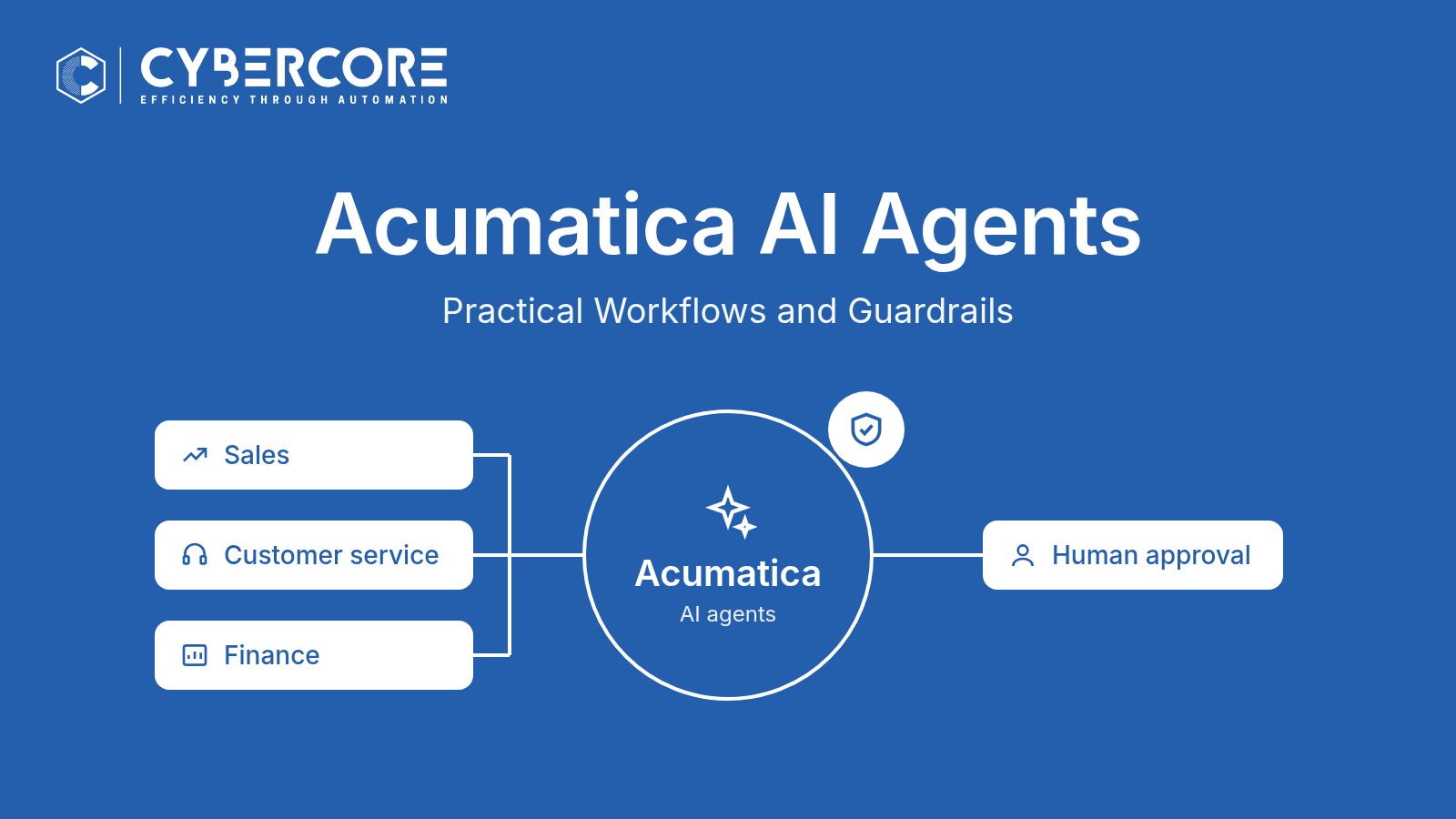
AI in ERP gets talked about in big terms. In practice, the value is smaller and more useful: a sales rep who sees a summary instead of reading thirty emails, or a service team that knows which cases need attention first.
Acumatica's 2026 R2 release, generally available since October 1, 2026, lets AI agents take part in your everyday workflows. This guide covers which agents Acumatica already provides, which ones need a partner to build, and the guardrails we recommend before any of them touch live records. If you want the comparison of MCP, AI Assistant and AI Automation, we covered that in our post on MCP vs AI Automation. For the broader release, see what's new in 2026 R2 AI.
What an Acumatica AI agent actually does
An agent is a set of plain-text instructions connected to an AI model from a provider you choose. According to Acumatica's documentation, supported providers are Azure, Amazon Bedrock, OpenAI and Anthropic. (One detail that trips people up: you can't connect OpenAI using a ChatGPT account.)
The agent reads the record it's working on, can look up related data, and writes its answer back into fields on that record. Acumatica's documentation is clear about its limits: an agent can't create new records or run other actions on a form. It reads and updates the current record, and it can query data through Generic Inquiries.
What makes it useful is how it gets triggered. Three Acumatica tools matter here, so here they are in plain words:
- Business Events: a rule that says "when this happens, do that." It can fire when a field changes on a record, on a schedule, or when a user acts on an inquiry screen. One detail: it fires only when a field's value actually changes.
- Import Scenarios: a saved routine for bringing data into Acumatica. An agent can run on each record the scenario creates or updates.
- Generic Inquiries: saved reports or lookups built from your Acumatica data. Agents can use them to pull in related information, such as a customer's open orders.
Agents can also be called from a workflow action. Acumatica notes that the feature is subject to licensing.
Built-in workflows: documented by Acumatica
These come with predefined agents in Acumatica. Their Business Events are inactive by default, so someone has to switch them on and set them up.
1. Opportunity summaries
What it does: the predefined opportunity summary agent reads an opportunity's activity and writes a short summary on the record. Business example: a sales manager reviewing the pipeline sees where each deal stands without opening every email thread. Where a person fits: the rep owns the opportunity and corrects the summary if it misses something.
2. Email and activity prioritization
What it does: predefined agents review incoming emails and activities and return a priority of Immediate, Soon or Routine. Business example: a busy inside sales or service team works the Immediate items first instead of reading the inbox top to bottom. Where a person fits: the priority is a suggestion. The team still decides what to answer and how.
3. Case summaries
What it does: the predefined case summary agent reviews a support case and writes a summary, the customer's sentiment, suggested next steps and a suggested reply. Business example: when a case changes hands, the next person gets up to speed in a minute. Where a person fits: a person reviews and edits the suggested reply before anything goes to the customer.
4. Expense receipt recognition (experimental)
What it does: in the Acumatica mobile app, an employee photographs a receipt and AI fills in the expense details. It needs an AI model that can read images. Acumatica labels this feature experimental, so plan for it to change. Where a person fits: the employee checks the details, and the normal expense approval stays in place.
Custom workflows: configured by a partner
Acumatica's 2026 R2 announcement gives these as examples, but there's no predefined agent for them. They're built on the same tools: a custom agent, a Business Event or Import Scenario to trigger it, and Generic Inquiries for context.
5. Customer credit-risk reviews
What it does: when an order arrives or a balance changes, a custom agent reviews the customer's payment history and open orders and flags the account for review, with a short reason. Where a person fits: credit decisions stay with your credit or finance team. The agent prepares the review; it doesn't decide.
6. Sales pricing and margin reviews
What it does: a custom agent compares the prices on a sales order with what you'd expect and flags orders that look off. Acumatica's documentation includes a sample agent along these lines, labeled for demonstration only, so a real version needs to be designed around your pricing rules. Where a person fits: a sales manager approves any price change. It's also worth pairing this with Acumatica's AI Anomaly Detection rather than building it from scratch.
A practical tip for custom agents: ask the agent to return a fixed set of values, such as "No issue", "Review" or "Blocked", rather than free text. That makes it easy to route the result to the right next step.
When you don't need AI at all
Plenty of automation doesn't need an AI model. If the rule is clear, such as "email the buyer when stock drops below a set level," a Business Event, scheduled process or Import Scenario on its own does the job, at no AI usage cost.
AI earns its place when the input is unstructured, like emails, notes and receipts, or when a decision weighs several factors at once. That's a good test for any idea on your list.
Guardrails checklist
Before an agent works with live records, walk through these.
- Close the Generic Inquiry masking gap. You can mask sensitive fields on the agent's current-record tool, but Acumatica's documentation states that this masking doesn't protect columns returned by Generic Inquiry tools. That data is sent to the AI model without masking. Remove sensitive columns, such as bank details, tax IDs or salaries, from any Generic Inquiry an agent uses.
- Know masked numbers can't be calculated. The AI model can't do math on a masked numeric field, so decide which numbers an agent truly needs.
- Plan for usage cost. Each record an agent processes is a separate run that uses tokens from your AI provider. A Business Event that fires on thousands of records adds up. Set triggers narrowly.
- Check licensing. AI Automation is subject to licensing, and your AI provider bills separately. Confirm both before you plan a rollout.
- Keep a person on key steps. Agents suggest, summarize and flag. Credit holds, price changes and customer replies get a person's approval.
- Review older AI prompts. If you used AI prompts in an earlier release, review them when you upgrade. Our 2026 R2 upgrade checklist covers what to check.
- Watch the results. Read a sample of agent output each week at first, and adjust the instructions when it misses.
Where the AI-Voice Employee fits
Acumatica's AI agents work inside your ERP. Our AI-Voice Employee is something different: it's CyberCore's own product, not part of Acumatica AI. It answers phone calls for your business and connects with Acumatica, so callers can get answers without waiting on hold. The two work well together: AI agents behind the scenes, and the AI-Voice Employee on the phone.
How CyberCore can help
With 35+ years in ERP and 10+ years on Acumatica, we help you pick the workflows worth turning on, set up the built-in agents, design custom agents around your processes, and put the guardrails above in place. As with every project we deliver, you get guaranteed smooth go-lives, backed by a proven process.
On a free 30-minute call, we'll look at where your team loses the most time and show you which agents can give it back.
Book a Call or call (888) 521-1801.
Sources (plain text): Acumatica press release "Acumatica 2026 R2 release with embedded AI" (Oct 1, 2026); Acumatica Beacon docs: Integration with LLM Providers (General Information, Use of Agent Actions, Hiding of Sensitive Data, Creation of Agents); Customer Relationship Management Guide (Opportunity and Case AI summaries and priorities); Time and Expenses Guide (expense receipts via mobile app); Acumatica AI page.
.webp)