RFID vs. Barcodes for Inventory & Warehouse Management
Compare RFID and barcodes for inventory and warehouse management, including cost, speed, accuracy, automation, and ERP integration.
Introduction
Inventory accuracy is one of the foundations of an efficient warehouse. If the system says an item is in stock but the warehouse cannot find it—or inventory is sitting in the wrong location—the problem affects purchasing, sales, fulfillment, customer service, and ultimately the financials.
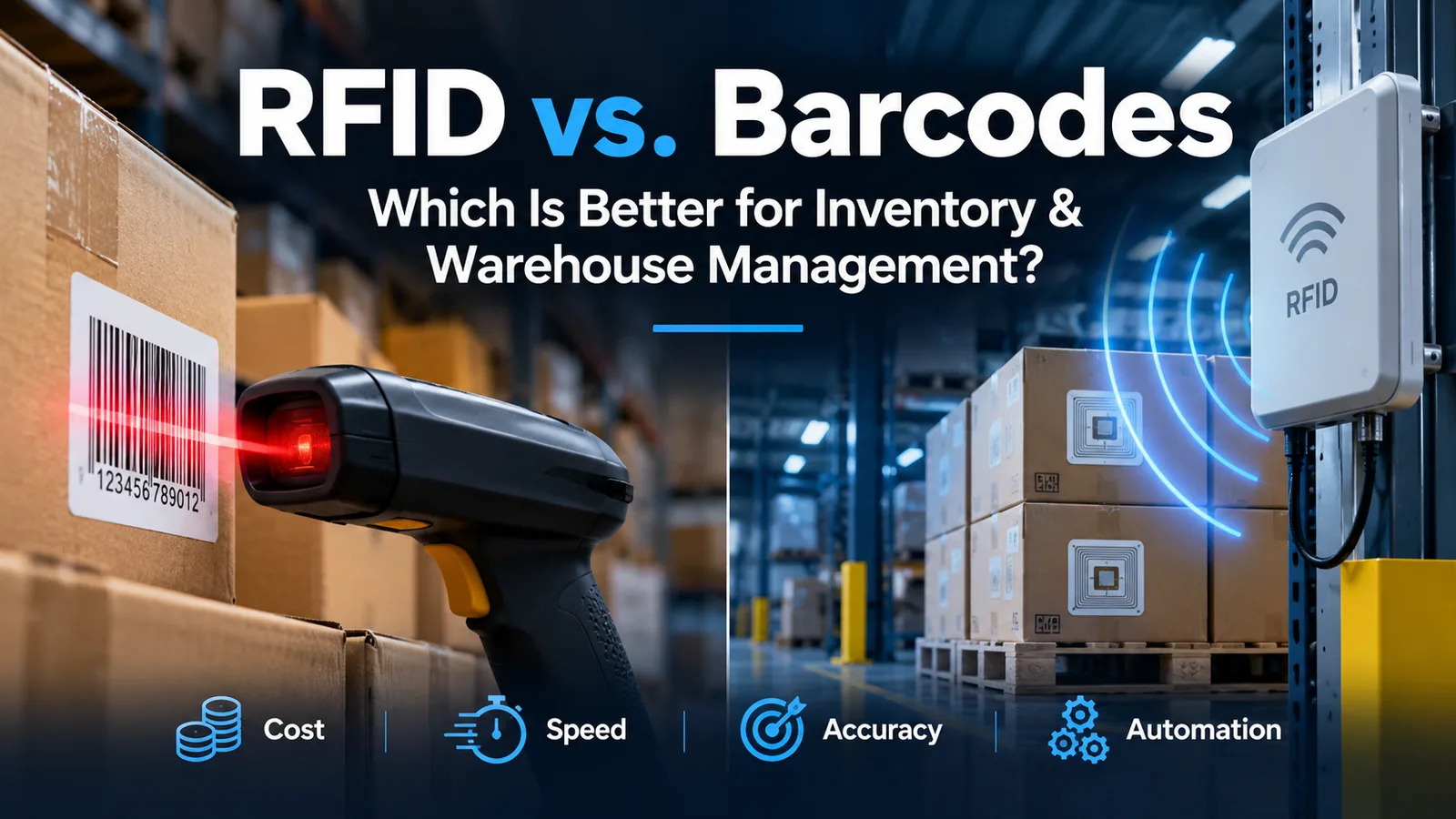
Two of the most common technologies used to identify and track inventory are barcodes and RFID (Radio Frequency Identification).
Both can reduce manual data entry and improve inventory accuracy. But they work differently, have different costs, and make sense for different warehouse environments.
So which is better?
The answer depends on what you are trying to accomplish. For many businesses, barcodes remain the most practical solution. For others, RFID can automate inventory tracking at a level that traditional scanning cannot.
Let's look at the differences.
What Is Barcode Inventory Tracking?
Barcode systems identify an item using a printed 1D or 2D code. A warehouse employee scans the code using a handheld scanner, rugged mobile device, smartphone, or other compatible device.
The scan can then trigger a transaction in the warehouse management or ERP system.
For example, an employee receiving inventory might scan:
Warehouse → Location → Item → Quantity
The ERP records the transaction as the work takes place.
Barcodes are widely used because labels are inexpensive, the technology is mature, and workers can confirm exactly which item or location they are processing.
For many small and midsized distributors and manufacturers, barcode scanning provides a good balance of cost, control, and automation.
What Is RFID?
RFID uses radio waves rather than an optical scan to identify an item.
An RFID tag contains electronically stored information that can be detected by an RFID reader. Unlike a barcode, the reader generally does not need a direct line of sight to the tag. RFID systems can also read multiple tags at the same time.
Readers can be handheld, mounted at specific locations, or incorporated into portals and other warehouse infrastructure.
This creates an important difference.
With a barcode, an employee typically performs a deliberate scan.
With RFID, an inventory event can potentially be detected automatically as tagged products move through a warehouse.
That can make RFID useful in operations where large numbers of items must be identified quickly.
RFID vs. Barcodes: The Main Differences
The biggest difference is not simply how the label looks. It is how inventory information is captured.
Barcodes
- Require an optical scan and generally require line of sight
- Usually identify items through deliberate scanning
- Have very low label costs
- Require relatively simple infrastructure
- Work well with mobile warehouse processes
- Give the worker direct confirmation of what is being processed
RFID
- Uses radio-frequency communication
- Does not generally require direct line of sight
- Can read multiple tags at once
- Can automate some identification events
- Requires RFID tags, readers, antennas, and potentially additional infrastructure
- Can be valuable where scanning labor or transaction volume is high
GS1 notes that RFID technology can read tags without direct optical line of sight and that a single reader may identify many tags simultaneously.
When Do Barcodes Make More Sense?
RFID is more automated, but more automation does not automatically mean a better return on investment.
Barcode systems remain a strong choice when warehouse employees need to deliberately confirm each transaction.
Consider a picker standing in front of several similar products. Requiring the worker to scan the item and location can actually be useful because the scan becomes a validation step.
Barcodes may make more sense when:
- Transaction volumes are moderate
- Individual item confirmation is important
- Label cost needs to remain very low
- Existing barcode workflows already work well
- The cost of RFID infrastructure would exceed the expected labor savings
The objective should not be to install the most advanced technology available. It should be to improve the warehouse process at a reasonable cost.
When Does RFID Make More Sense?
RFID becomes more interesting as inventory volume and scanning labor increase.
Imagine receiving a large number of tagged items or moving tagged products through a warehouse checkpoint. Instead of requiring an employee to find and scan every individual barcode, an RFID reader may be able to identify multiple tags automatically.
Potential RFID use cases include:
- High-volume receiving
- Rapid inventory and cycle counting
- Pallet or case tracking
- Asset tracking
- Work-in-process tracking
- Monitoring inventory moving through specific warehouse locations
- Environments where manual scanning creates a significant labor cost
But RFID projects need proper design. Tag type, reader placement, materials, warehouse layout, interference, business rules, and ERP integration all matter.
The ERP Is the Important Part
Whether inventory is identified by barcode or RFID, capturing the identifier is only the beginning.
The ERP needs to know what business transaction should occur.
For example:
Receive → Identify Item → Confirm Quantity → Assign Location → Update Inventory
Or:
Pick → Confirm Item → Confirm Location → Pack → Ship → Update Inventory
A scanner or RFID reader can identify something. But the ERP and warehouse workflow determine what that identification means.
This is why warehouse automation should be designed around the entire business process rather than the scanning technology alone.
A fast RFID reader connected to a poorly designed inventory process can simply create bad transactions faster.
Barcodes and Acumatica WMS
Acumatica provides native warehouse management capabilities built around barcode scanning, mobile workflows, and real-time inventory transactions.
Current Acumatica WMS functionality supports warehouse processes including receiving, putaway, inventory movements, picking, packing, shipping, and inventory counting. Acumatica also supports single-order, wave, and batch picking workflows.
For example, Acumatica's current Scan and Receive workflow allows warehouse personnel to scan warehouse, item, quantity, and storage-location information while creating an inventory receipt.
Similar barcode-driven workflows are available for inventory issues, transfers, and physical inventory counts.
This makes barcoding a natural starting point for many companies implementing Acumatica warehouse management.
What About RFID with Acumatica?
RFID should be viewed as another source of inventory data rather than as a replacement for the ERP.
An RFID system can identify tagged inventory, while integration and business logic determine how those events should update Acumatica.
Depending on the operation, that could mean creating or updating receipts, inventory movements, production activity, shipments, asset records, or other transactions.
The important part is controlling when an RFID read should become an ERP transaction.
A tag passing a reader does not necessarily mean inventory was received, transferred, picked, or shipped. The integration needs business rules that turn physical events into the correct system transactions.
This is where ERP integration design becomes critical.
Can You Use RFID and Barcodes Together?
Yes—and for many companies, a hybrid approach may make more sense than choosing only one technology.
A warehouse might use:
- RFID for pallets
- RFID for high-value assets
- Barcodes for individual inventory items
- Barcodes for warehouse locations
- Mobile scanning for picking and packing
- RFID portals at selected receiving or shipping points
This allows a company to automate the areas where RFID provides a measurable benefit without replacing barcode processes that already work well.
How Should You Decide?
Before investing in either technology, start with the warehouse process.
Ask:
- How many inventory transactions occur each day?
- How much employee time is spent scanning or manually entering information?
- Where are inventory errors occurring?
- Which processes could realistically be automated?
- What hardware, tags, software, integration, and support would be required?
- What measurable savings would the new process create?
The answer may be barcodes, RFID, or a combination of both.
The right decision is the one that improves inventory accuracy and warehouse productivity while producing a reasonable return on the investment.
Final Thoughts
RFID offers capabilities that traditional barcodes cannot, especially when inventory must be identified quickly, automatically, or at high volume.
But barcodes remain a practical and cost-effective technology for a large number of warehouse operations.
For businesses using Acumatica, the bigger opportunity is to connect warehouse activity directly with the ERP so inventory transactions happen accurately and close to real time.
At CyberCore Business Automation, we help companies design and implement Acumatica inventory, warehouse management, barcode scanning, RFID integrations, EDI, and automation workflows around their actual operations.
If you're evaluating barcode scanning, RFID, warehouse automation, or an Acumatica WMS implementation, contact CyberCore to discuss your current process and determine where automation makes financial sense.
Related reading
.webp)